Deep linking is the practice of sending someone to a specific screen inside a mobile app — a product, a profile, a checkout — instead of dumping them on a homepage or a bare app-store page. A good deep link feels effortless: tap it and the app opens right where you meant to go. This guide explains what deep linking is, the main types of deep links on iOS and Android, why it matters, and how to create one without a heavy setup.
What is a deep link?
A regular web link opens a web page. A deep link opens a destination inside an installed app. If the app isn't installed, a well-built deep link doesn't dead-end — it falls back to the app store or the mobile web so the person still lands somewhere useful.
Three things make deep links worth the effort: they cut the number of taps between a click and the right screen, they keep people inside the higher-converting app experience, and — with the right tool — they let you measure what happens after the tap.
The main types of deep links
1. Custom URL schemes
The oldest form: a link like myapp://product/123. It's simple and works on both platforms, but it only opens the app if it's already installed, and browsers handle it inconsistently. On its own, a URL scheme has no graceful fallback.
2. iOS Universal Links
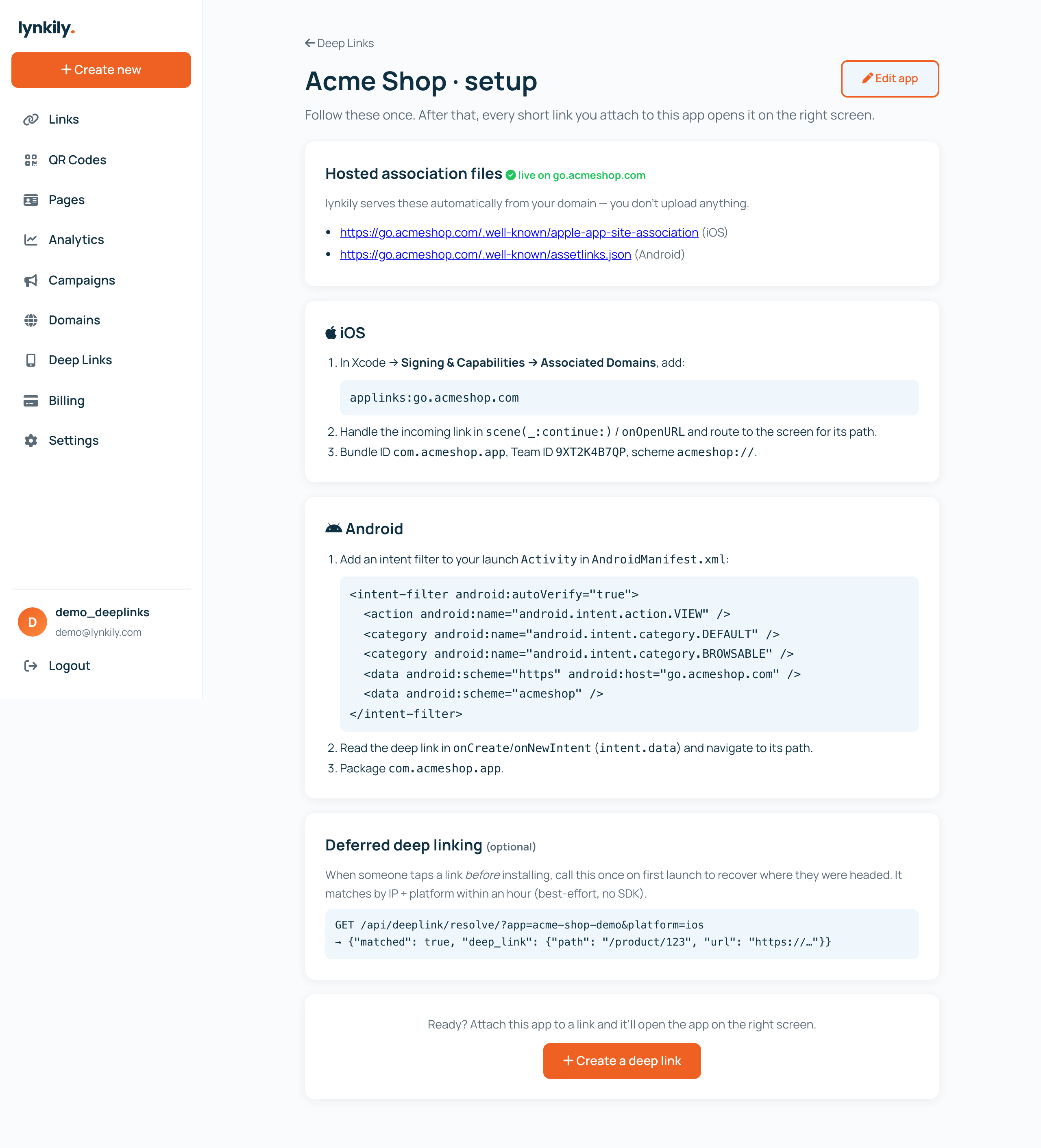
Apple's modern approach ties an https link to your app through an apple-app-site-association file hosted on your domain. Tapping the link opens the app directly — with no browser bounce — and falls back to the web when the app is missing.
3. Android App Links
Android's equivalent verifies your domain with an assetlinks.json file and an autoVerify intent filter, so an https link opens straight into your app.
4. Deferred deep links
The clever one: a deep link that survives an app install. Someone taps before they have the app, installs it, and on first open still lands on the exact screen they wanted. We cover this in depth in deferred deep linking explained.
How a smart deep link actually behaves
The reason deep linking has a reputation for being fiddly is the fallback logic. A production-grade deep link needs to make a decision on every tap:
- App installed? Open it on the right screen.
- Not installed? Send them to the correct app store to get it.
- On desktop, or no app for their platform? Fall back to the web.
That "app → app store → web" routing is exactly what turns a brittle URL scheme into a link you can safely put in an email, an ad, a QR code or a bio.
Universal Links vs App Links vs URL schemes
Which type should you use? In most cases you want Universal Links on iOS and App Links on Android (for silent, direct opens) with a custom URL scheme as a backup. For a side-by-side breakdown — including security and when each one is the right call — see Universal Links vs App Links vs URL schemes.
Deep linking examples
- E-commerce: an email link that opens the product screen in the app, not the mobile site.
- Creators: a bio link that opens your profile inside the app for followers who have it.
- Referrals: a shared link that, after install, drops the new user straight into the referred content.
- QR codes: an in-store code that opens the app to the exact item.
How to create a deep link (the easy way)
You don't need a native SDK or a mobile-measurement contract to get started. With lynkily Deep Links you register your app once (bundle IDs, store IDs, URL schemes), and every short link you attach it to becomes a smart deep link with app→store→web routing. lynkily hosts your Universal Links and App Links association files for you, and you get deep-link analytics — app opens, store taps and web fallbacks — plus a developer API.
Step-by-step? Read how to create a deep link for your app, or just start free.