"Deep link" is an umbrella term. Under it sit three very different mechanisms: custom URL schemes, iOS Universal Links and Android App Links. They all open a mobile app, but they differ in how reliably they work, how they fall back, and how secure they are. This guide explains the difference and helps you pick.
Quick definitions
Custom URL scheme
A link like myapp://path. The app registers a scheme; tapping the link opens the app if it's installed. Cross-platform and simple, but there's no built-in fallback and browsers handle it inconsistently — a "cannot open page" error is the classic failure.
iOS Universal Links
A regular https:// link associated with your app via an apple-app-site-association (AASA) file on your domain. iOS opens the app directly, with no Safari bounce, and falls back to the web page if the app isn't installed.
Android App Links
A verified https:// link tied to your app with an assetlinks.json file plus an android:autoVerify intent filter. Verified App Links open your app directly instead of the browser.
The difference at a glance
| URL scheme | Universal Links (iOS) | App Links (Android) | |
|---|---|---|---|
| Link format | myapp:// | https:// | https:// |
| Opens app directly | If installed | Yes, no bounce | Yes, if verified |
| Web fallback | None built in | Yes | Yes |
| Domain verification | No | AASA file | assetlinks.json |
| Hijacking risk | Higher (any app can claim a scheme) | Low (domain-verified) | Low (domain-verified) |
Security: why verified links win
Any app can register the same custom URL scheme, which means a scheme link can be intercepted by the wrong app. Universal Links and App Links solve this by verifying ownership of your domain — only the app associated with your domain's AASA / assetlinks file can claim its links. That's why verified https links are the recommended default for anything user-facing.
When to use each
- Universal Links + App Links — your default for marketing, email, ads, QR codes and referrals. Direct opens, safe, with a web fallback.
- Custom URL scheme — a backup path, or for internal app-to-app flows where you control both ends.
- All three together — the most robust setup: verified https links for the silent open, a scheme as backup, and an app-store fallback for people who haven't installed yet.
The catch: hosting and fallback logic
Universal Links and App Links need you to host association files on an HTTPS domain and keep the intent filters / entitlements correct — and then you still have to write the "app → store → web" fallback yourself. That's the part most teams underestimate.
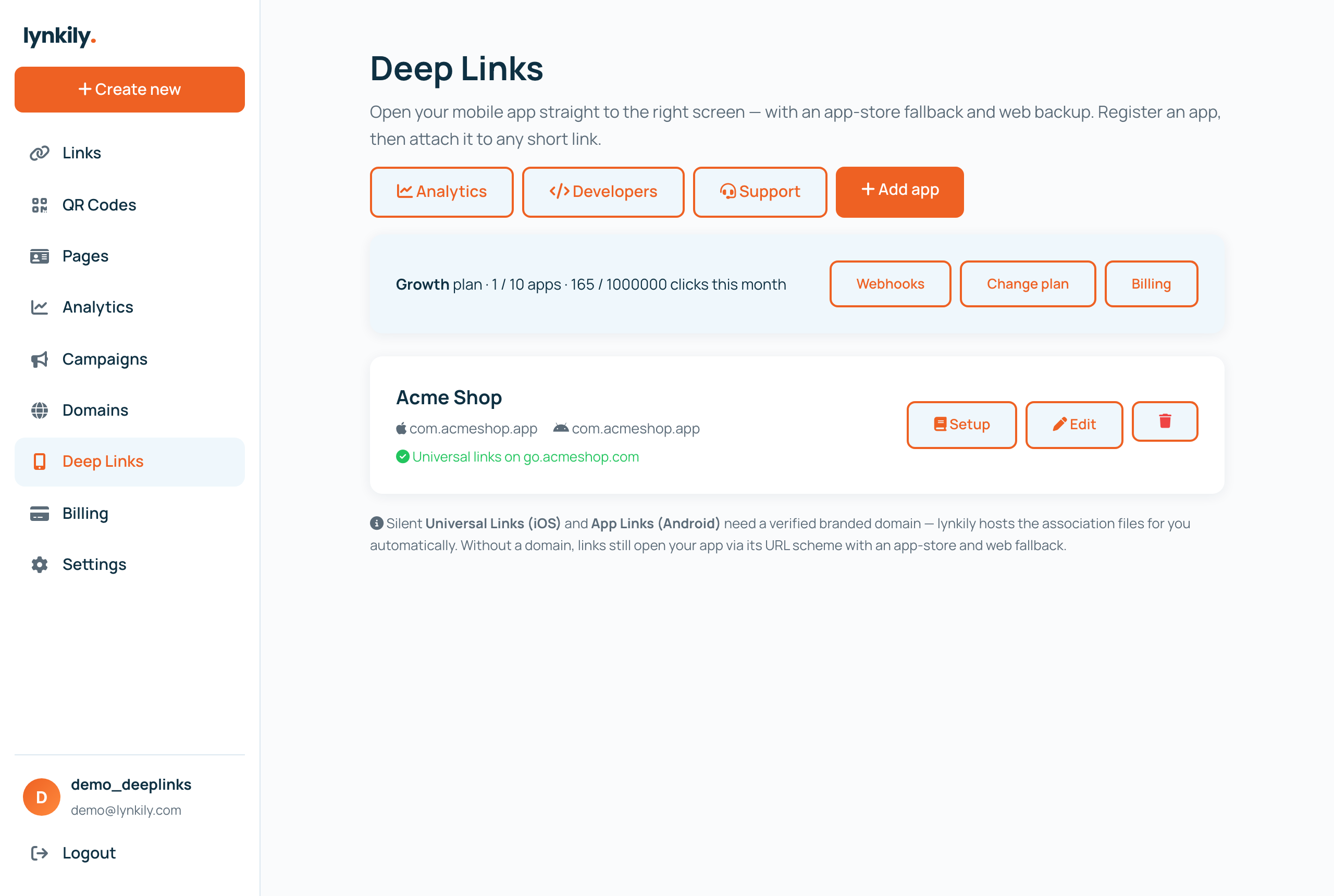
lynkily Deep Links handles it for you: register your app, connect a branded domain, and lynkily hosts your AASA and assetlinks.json automatically and applies smart app→store→web routing to every link — with analytics and a developer API. New to the topic? Start with what is deep linking.