iOS Universal Links only work if Apple can verify that your website and your app belong together. That verification happens through a small JSON file called apple-app-site-association (AASA), hosted on your domain. Here's exactly what it looks like, where it goes, the mistakes that trip people up — and how to skip the hassle entirely.
What the AASA file contains
A minimal AASA associating your app with all paths on your domain looks like this:
{
  "applinks": {
    "apps": [],
    "details": [
      { "appID": "TEAMID.com.yourcompany.app", "paths": ["*"] }
    ]
  }
}
TEAMID is your Apple Developer Team ID (the App ID Prefix); com.yourcompany.app is your bundle identifier. You can also use the newer components format to match specific paths.
Where to host it
- At
https://yourdomain.com/.well-known/apple-app-site-association(Apple also checks the domain root). - Served over HTTPS, with no redirect, and Content-Type: application/json.
- No
.jsonextension on the filename.
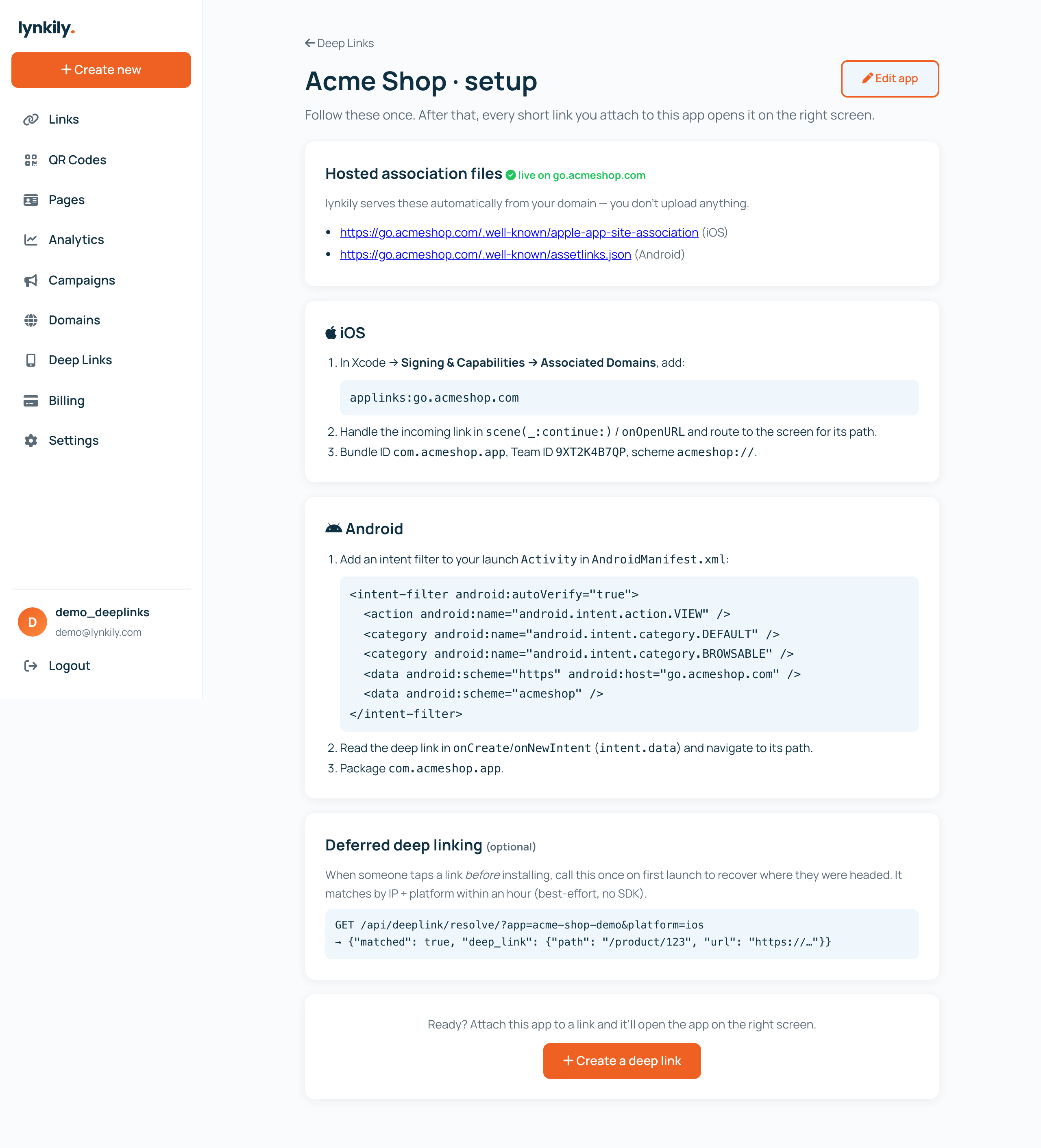
Then add the Associated Domains entitlement in Xcode (applinks:yourdomain.com) and handle the incoming link in your app.
Common AASA mistakes
- Serving it with the wrong content type, or behind a redirect (iOS won't follow it).
- Wrong Team ID or bundle ID in
appID. - Forgetting that iOS caches the AASA at install time — test with a fresh install or Apple's AASA validator.
The easier way
Hosting and maintaining AASA (and Android's assetlinks.json) correctly is exactly the fiddly part most teams underestimate. lynkily Deep Links hosts your AASA automatically from your branded domain — you enter your Team ID and bundle ID once, connect a domain, and lynkily serves the file with the right headers, plus app → store → web routing and analytics.
Background: Universal Links vs App Links and what is deep linking.