Docs › Links
Mobile deep linking
Send mobile users straight into an app, with app-store and web fallbacks.
Deep links open a specific screen inside an app — a product, a profile, a checkout — instead of a homepage or app-store page. Register your app once under Deep Links (bundle IDs, store IDs, URL schemes, signing fingerprint), and lynkily builds the right iOS and Android open URLs for every link you attach it to. If the app isn’t installed, the link offers the app store and falls back to the web URL — no dead ends.
Step by step
- Open Deep Links → Add app, and fill in your iOS and/or Android details.
- (For silent Universal / App Links) bind a verified branded domain — lynkily hosts the association files automatically.
- Follow the one-time setup page (Associated Domains on iOS, an intent filter on Android).
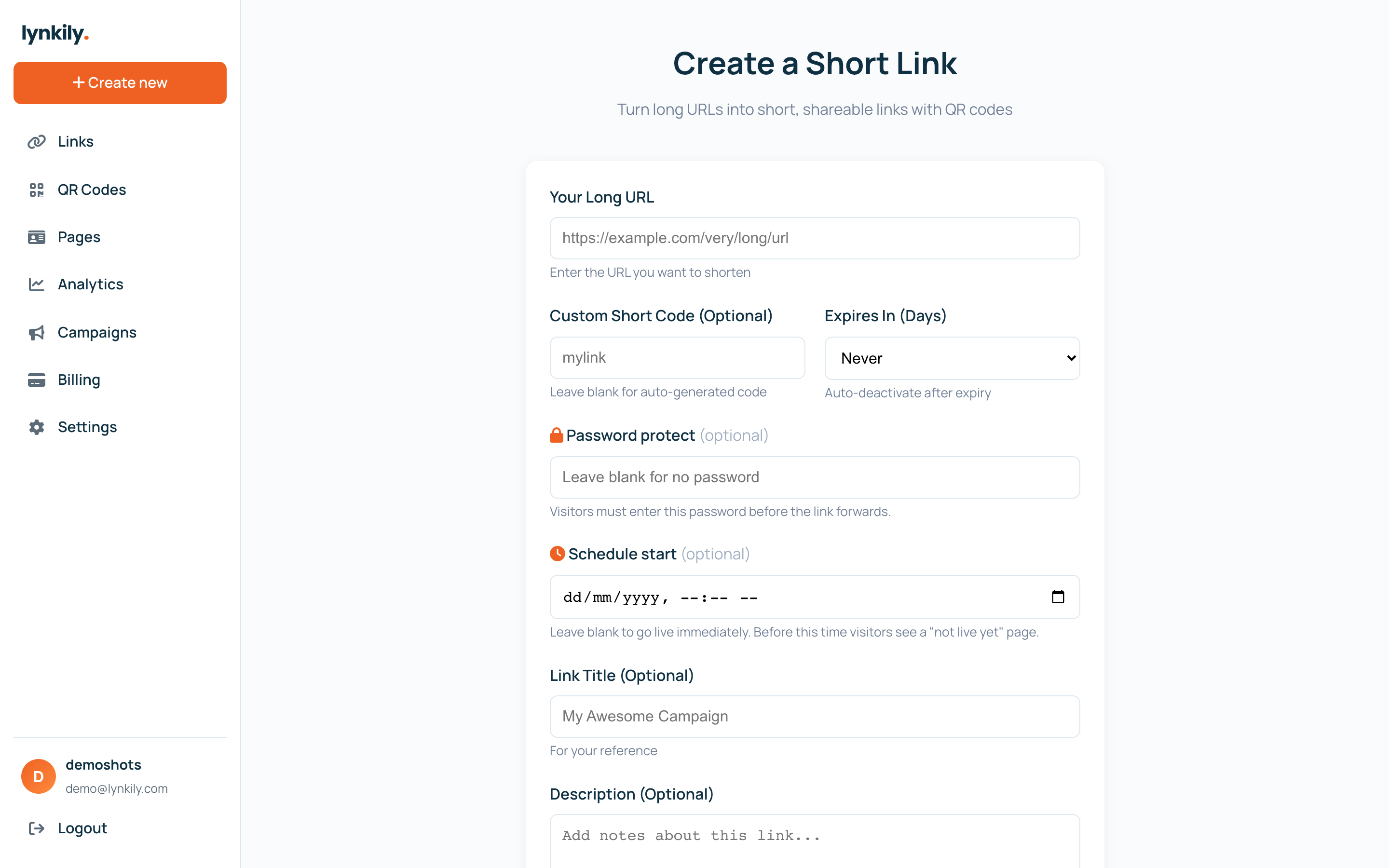
- Create or edit a link, pick your app, and set the in-app path (e.g. /product/123).
Pro tips
- A branded domain unlocks Universal Links (iOS) and App Links (Android) that open the app with no browser bounce.
- Without a domain, links still open your app via its URL scheme, then fall back to the store and the web.
- For installs-after-click, call the deferred deep-link resolve API on first launch to recover the destination.